
How is the ICU Database used?
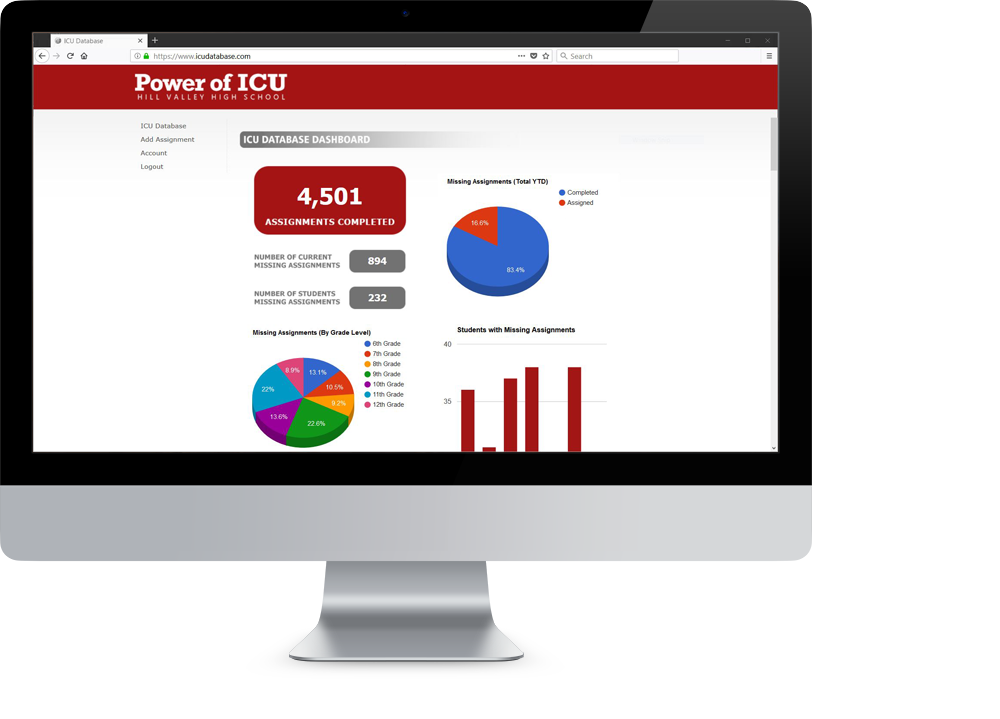
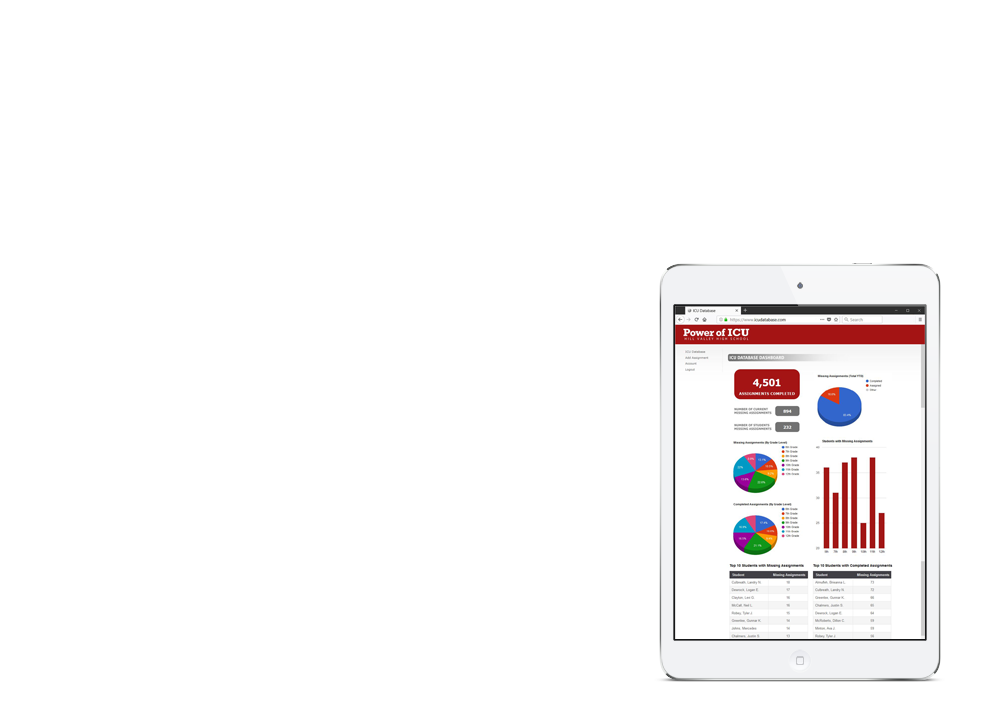
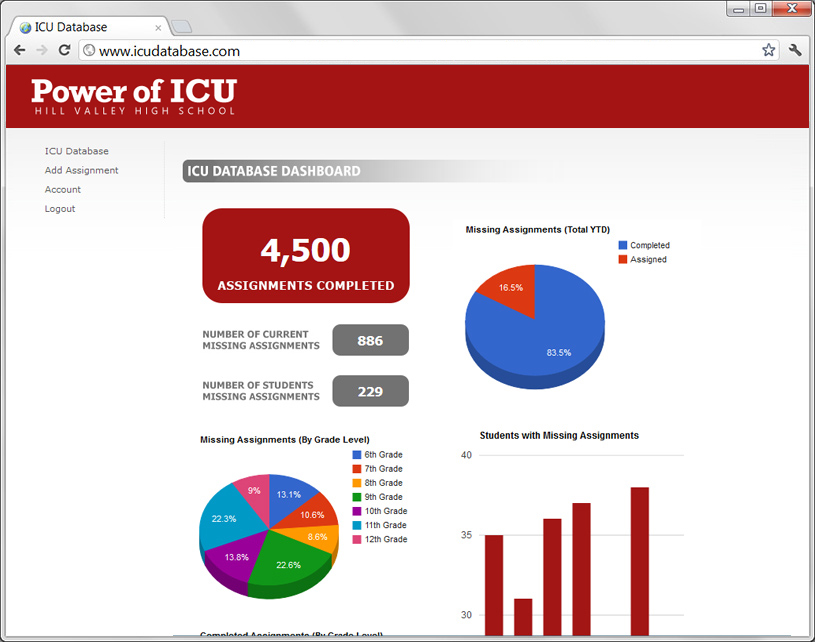
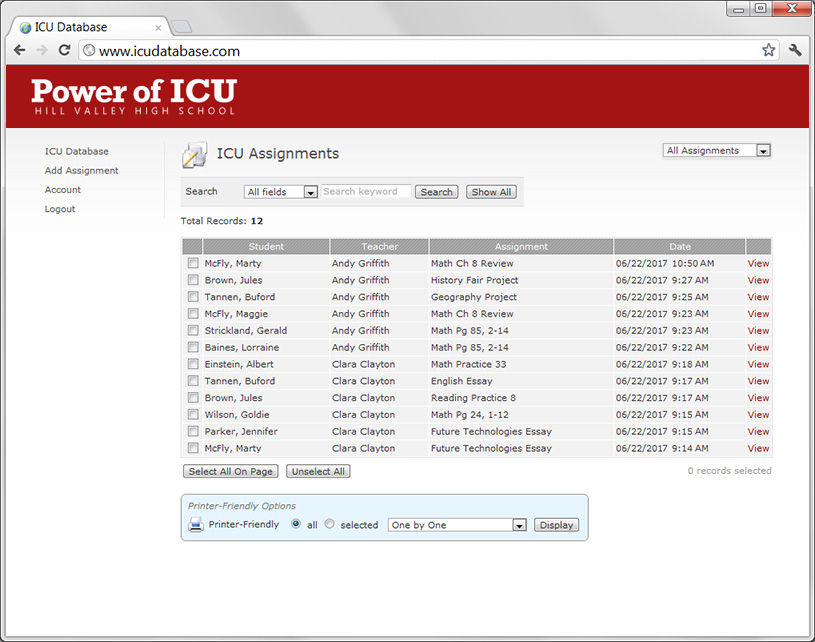
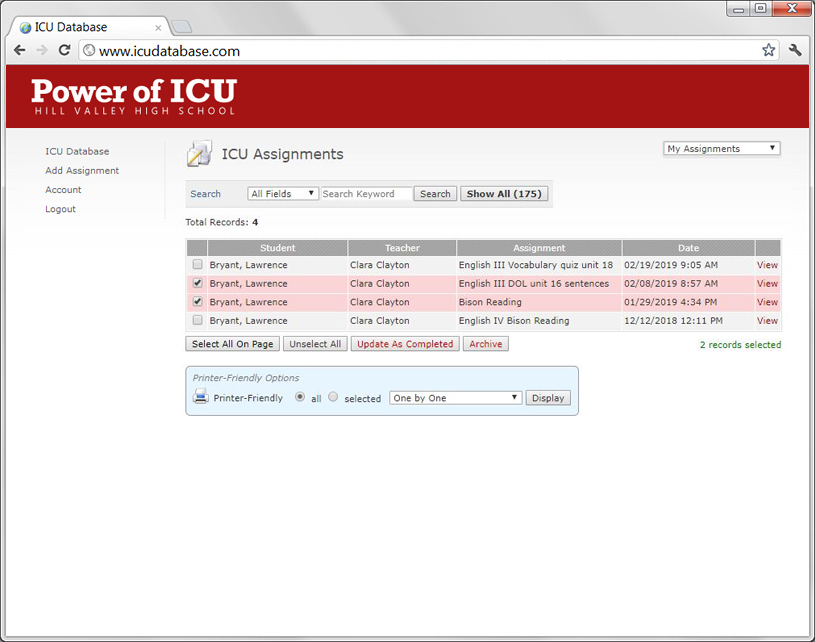
The ICU Database is a platform used by schools across the country as part of the Power of ICU approach. It serves as a schoolwide list of missing assignments (the "ICU List" as described in
Power of ICU by Danny Hill). Having a schoolwide list is at the core of the ICU approach and an imperative to effectively defeat student apathy. The teachers and administrators in ICU schools will tell you the ICU Database works because it is centered around multiple layers of support with multiple adults working "the list." Read
Power of ICU to learn more about how your school can defeat student apathy.
Should we just use the ICU Database as a parent notification tool?
The automatic email and text notifications to parents are very effective as one layer of support. While notifying parents every time an assignment is missing will help decrease the percentage of apathetic students, a broader approach is needed to achieve a school culture where every student completes every assignment. Schools who utilize multiple layers of support, with adults routinely engaging with students about "the list," experience positive, long-term results.
How was the ICU Database created?
The ICU Database was developed by educators for educators! It has served as a "supercharged" ICU List for schools across the country since 2012. From its inception, features have improved each year based on feedback from educators, and our team regularly reviews feature suggestions from the teachers and administrators of our ICU schools.
What layers of support (strategies) are effective?
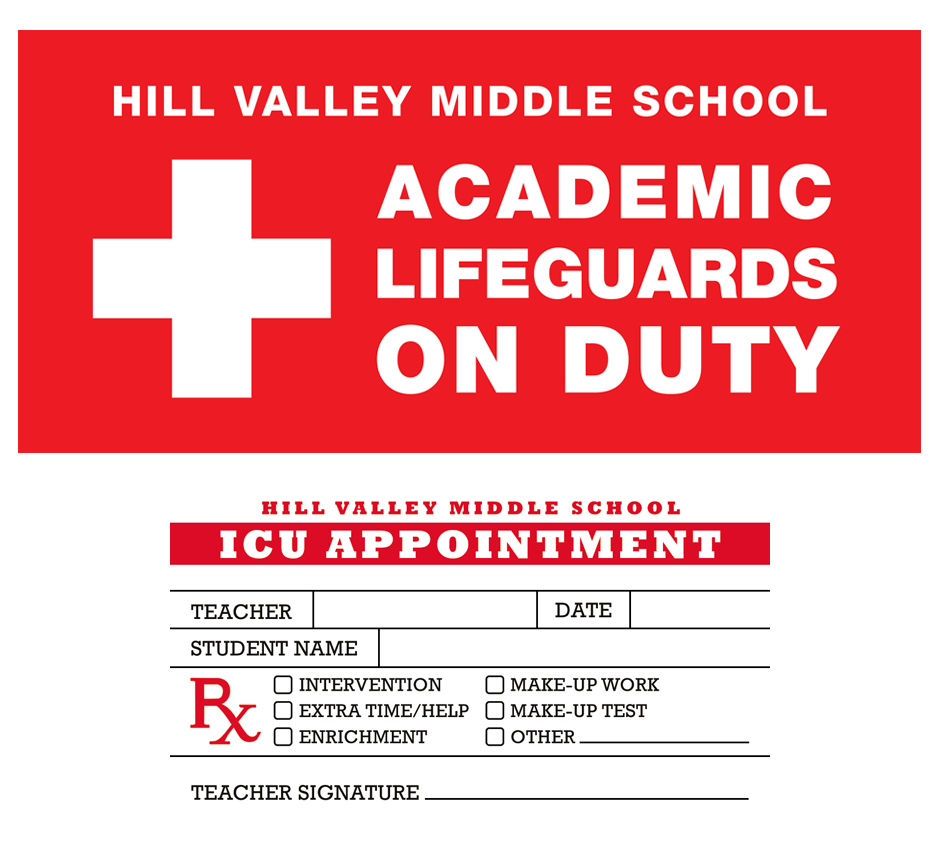
Holding students accountable for completing every assignment starts with the ICU Database – when a teacher puts a student's missing assignment on the ICU List and parents are automatically texted and emailed a notification of the missing assignment. This is just the start. The most effective schools build layers of support around the ICU List: implementing academic lifeguards that "work the list," creating mandatory extra time and extra help, utilizing "their" time (lunch, special in-school programs), initiating "must be off the list to participate" policies (field trips, extracurriculars), having blitz days, etc. We offer training and coaching opportunities focused on building layers of support, and we have a network of schools that love to share their strategies!
Is using the ICU Database time consuming for teachers?
How much wasted time do our apathetic students cost us!? Teachers are usually left alone to battle apathy in the classroom. With the ICU approach, an army of support is built behind teachers. During the initial culture shift, teachers will spend more time managing their missing assignments in the ICU Database. As time goes by and the culture shifts, less time is required. After getting started, most teachers will only spend a few minutes daily maintaining their missing assignments. Because apathy decreases and assignment completion becomes the norm, teachers begin to grade less, improve the quality of their assignments, and remove nonessential assignments.
What notifications are sent?
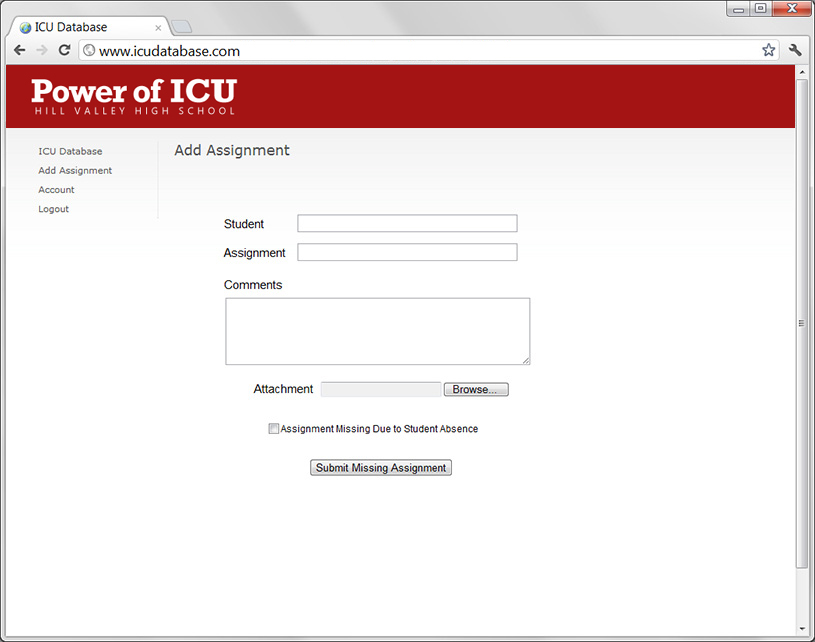
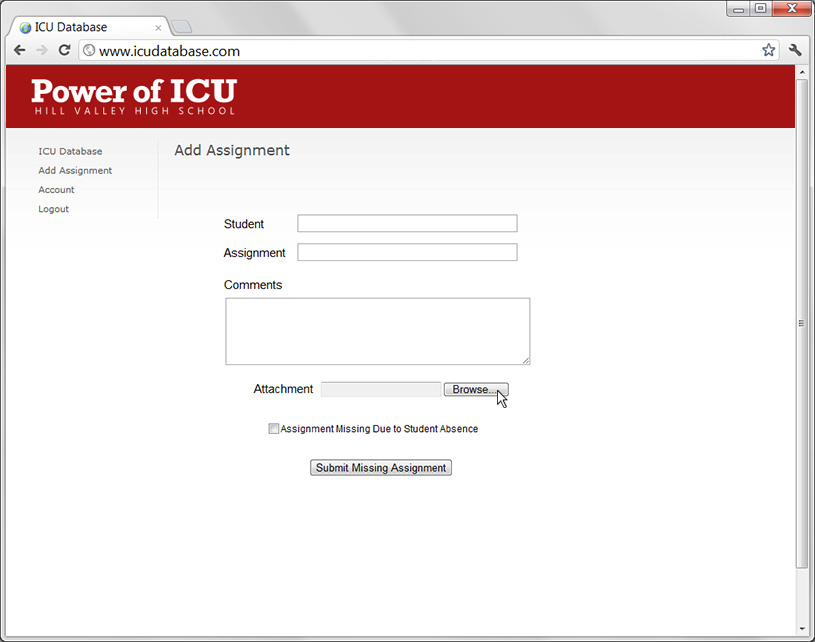
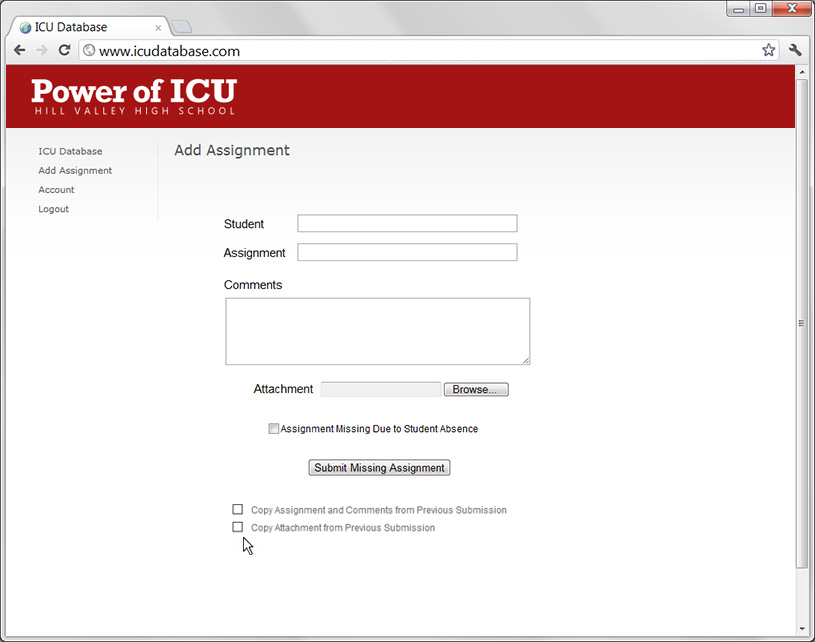
Email and text notifications are sent to parents/guardians in real-time when a missing assignment is entered by the teacher. These notifications will go to as many as two email addresses and two phone numbers for each student. The email notification includes the assignment, comments, and attachment (if provided) as entered by the teacher. The text notification serves as an alert that the student is missing an assignment for the teacher. The text message does not include assignment details, as the length of an individual text notification is limited by carriers to 160 characters. The Advanced Text Notifications feature (Premium level) accommodates a longer message that includes the missing assignment. A "completion" notification is sent to the same contacts when the teacher updates the assignment as completed. For Standard and Premium levels, notifications are also sent to the student's email address.
Can the notifications be customized?
Yes! Many schools choose to use our default verbiage, however, the wording of the email and text notifications can be entirely customized! The only limitation is that the length of an individual text notification is limited by carriers to 160 characters, so the text message serves as an alert and does not include assignment details. The Advanced Text Notifications feature (Premium level) accommodates a longer message that includes the missing assignment.
Is there a cost per student?
There is no per-student cost. The ICU Database is priced per physical campus (regardless of size) and renews annually. The annual term of the ICU Database follows the school year, and databases go offline July 1 for summer maintenance and upgrades. Visit the Pricing section for specific costs and features.
How much training is needed?
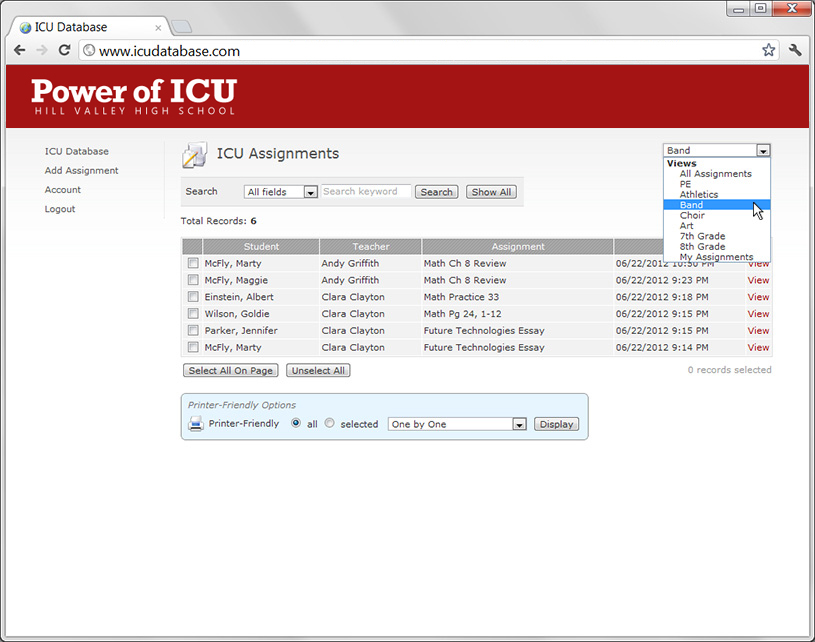
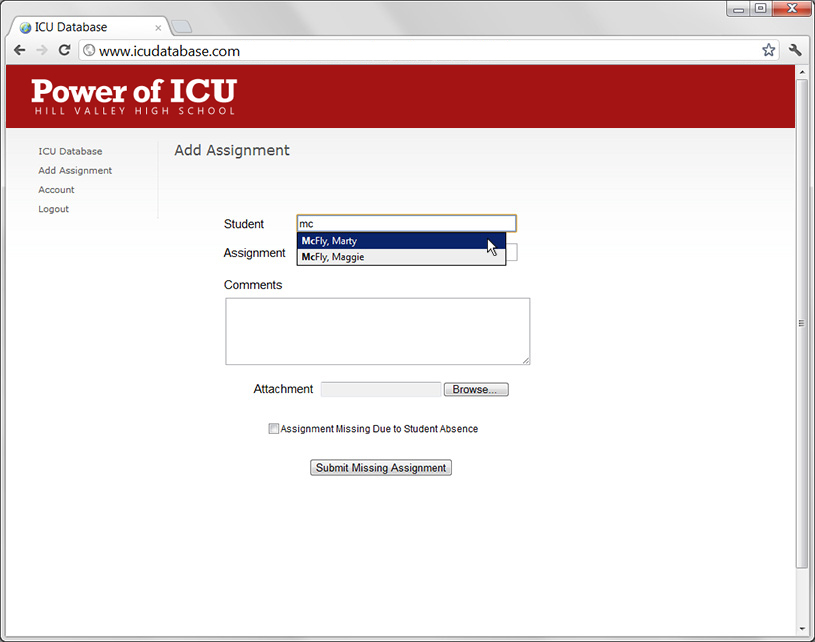
For training related to using the ICU Database (logging in, entering missing assignments, removing completed assignments, etc.), most choose to do training in-house because the database is so straightforward and teacher friendly. We provide a Training Guide document that helps serve as a reference. The training that is needed most is about the how and why of the ICU approach. Schools that begin using the ICU Database without first training staff on the how and why will struggle to see results. While a handful of teachers will use the database and experience some positive results, others will be frustrated, and the ICU Database is not utilized effectively or as designed – a schoolwide list. We offer various training options including on-site and virtual formats. Engage and motivate your staff with a full or half-day of professional development with Danny Hill, the apathy expert! Danny is a nationally respected authority on student apathy and school culture and has presented to over a million educators across the United States. After training, the majority of staff will be excited to commit to the approach and prepared with the tools to engage in the war against student apathy!
What is involved to get set up?
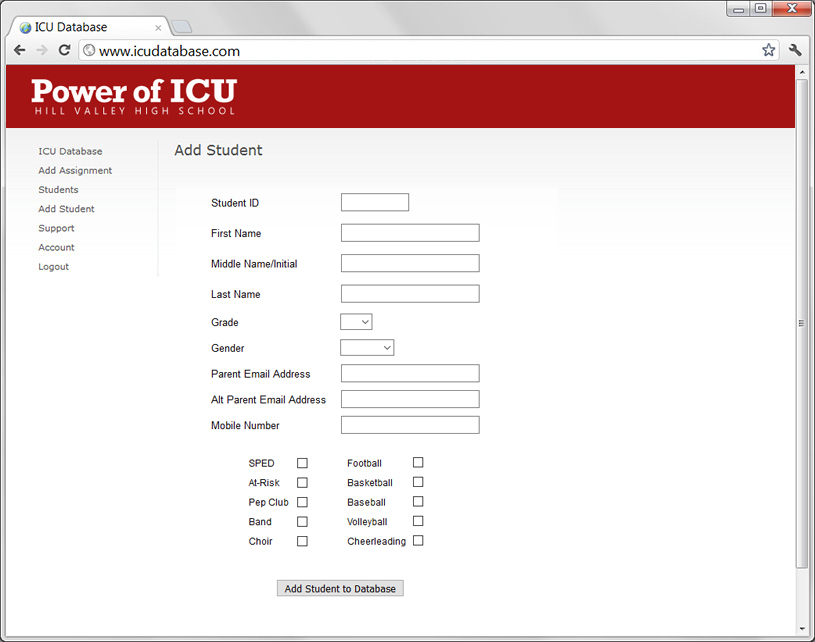
For setup, you will designate a tech point-of-contact when ordering, and that is who we will send the setup steps and work with to bring your school's database online. Generally speaking, you will provide a list of your staff (for accounts to be created) and a list of students (from your student information system). We load the data and get everything set up on our end so teachers can hit the ground running using the database! For those utilizing the Student Data Sync option, we provide an onboarding document for district staff that includes the steps for data automation setup.
What are filters?
Filters are a way to view/track the missing assignments of a specific group. You can have as many as 25 filters. Most choose the school's more popular activities and/or those who have a highly-engaged sponsor/coach that will "work the list" with their group of students. Often these are sports teams, clubs, or other designations (e.g., at-risk), however, you can create a filter for any type of group you want to track.
What are the benefits of the Student Data Sync option?
The Student Data Sync option enables districts to set up data integration with the ICU Database, via Clever, to ensure student contact data is in sync with their SIS. With this, parent/guardian email addresses and phone numbers are automatically synced each night with the SIS and any new students are automatically loaded into the ICU Database. Clever is an industry leader in the secure automation and exchange of student data with 77% of U.S. schools using the Clever platform in some capacity.
Does it "connect" to our gradebook?
Using the ICU Database is part of a larger, schoolwide approach to defeating student apathy. In established ICU schools, many assignments usually "work" their way through "ICU" before they ever actually hit the gradebook (or are never entered into the gradebook at all!). Because apathy decreases and assignment completion becomes the norm, teachers begin to grade less, improve the quality of their assignments, and remove nonessential assignments. We encourage a routine where the gradebook and ICU are separate whenever possible. Parents and students may wish to argue about grades, and we desire to shift the focus to learning and the demonstration of mastery. Accordingly, the ICU Database was designed as a standalone platform and does not connect with your SIS gradebook.
How does the Homeroom/Advisory Integration work?
A Standard and Premium level feature, the Homeroom/Advisory Integration allows teachers to view the missing assignments for the students in their homeroom/advisory period. Even if you do not have a homeroom or advisory period per se, this functionality can be used for a period you designate for intervention or extra support.
Premium Option: What are Recurring Email Notifications?
A Premium level feature, the Recurring Email Notifications enables a "Missing Assignments Digest" that is sent to parents/guardians every Tuesday and Friday that includes a complete list of their student’s current missing assignments.
Premium Option: What are Advanced Text Notifications?
A Premium level feature, the Advanced Text Notifications increases the capacity of the text notification. For Lite and Standard levels, the text notification serves as only an alert that the student is missing an assignment for the teacher and does not include assignment details because the length of an individual text notification is limited by carriers to 160 characters. The Advanced Text Notifications feature accommodates a longer message that includes the missing assignment.
How can Title I, II, and IV funds apply to the Power of ICU and the ICU Database?
Title I: The ICU Database is a technology platform that enables schools and districts to improve the quality of instruction and offers support for all students regardless of socioeconomic status. It enables communication and facilitates collaboration between students, teachers, and families that creates an accessible learning environment for all students who need additional support.
Title II: The Power of ICU, through various professional development opportunities, supports teachers, principals, and instructional leaders in their efforts to raise student achievement and lead effective school improvement.
Title IV: The Power of ICU and the ICU Database support schools and districts through the use of technology that improves academic achievement and increases student engagement. Educators are provided actionable data and analytics that can be used to inform instructional decisions and strategies.
What does it mean to "archive" an assignment?
When an assignment is "archived," it is removed from the database, no "completion" notifications are sent, and the assignment does not count as completed in the dashboard data. "Archived" acts as a removal function for a valid missing assignment never turned in. There may be multiple reasons to archive an assignment (e.g., student withdraws from school and moves away). An assignment might also be archived because the student showed mastery in some other way (e.g., separate assignment, assessment, etc.), and the assignment is no longer necessary. As a staff, you will likely have an ongoing conversation about when an assignment should be archived – factoring logistics and infrastructure. We recommend keeping the assignment active (even to the end of the course) any time the teacher still needs the assignment to know if the student can demonstrate mastery.
What about data sharing and privacy?
We are committed to protecting the security, confidentiality, and integrity of student information. We are committed to working with our users to comply with laws, rules, and regulations governing the use and protection of student information, including the Children Online Privacy Protection Act (COPPA) and the Family Educational Rights and Privacy Act (FERPA) and their implementing regulations, and applicable state laws. Because data sharing/privacy policies can vary from district to district, we do not publish a full, specific policy. Many districts have their own data sharing agreement that they desire to use with vendors, and we can also provide a standard one upon request. You can find our general privacy policy here:
https://www.poweroficu.com/privacy-policy/.